

Woo Import Export 6.0.15 WordPress Plugin
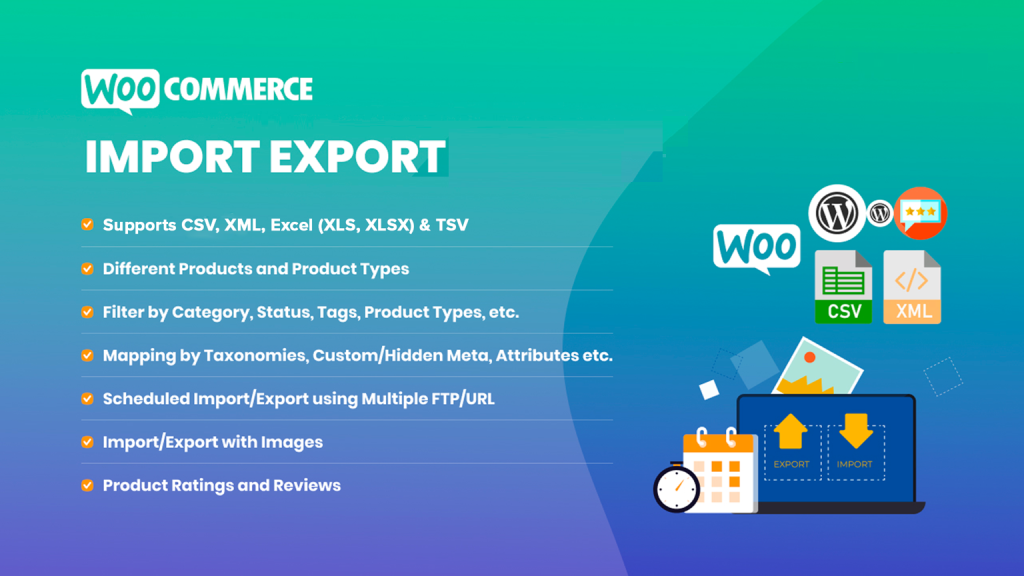
You can export your site data into a variety of file formats using Woo Import Export, and then import those files into any of your sites. With a single click, you can import and export any kind of product, order, category, coupon, comment, or user from your WooCommerce store. An excellent method for managing data from WooCommerce Stores across several websites.
Premium WordPress Plugins. Join membership for Free Download
Woo Import Export Plugin Features
- Easy Installation and Detailed Documentation.
- Easy Import and Export Interface.
- Easy, Quick and Advanced Import-Export System.
- Ajax Products, Orders and Users Import System.
- Export Data to CSV File.
- Import Data from CSV File.
- Multi Language support.
- Fully responsive and 100% customizable.
- Dedicated Support.
- Multiple Powerful Filters Available.
- All Product Types Supported.
- Almost All Products fields are used.
- Custom field supported.
- Custom Attributes supported.
- Export Data preview available.
- Export CSV data Management.
- Product Fields Management.
- Product Export Scheduled Management
- Import Products by URL.
- Import Products with new Categories.
- Import Product Create / Update / Skip option available when already product exist.
- Imported Product preview available.
- Woocommerce Update
- Multiple Powerful Filters Available.
- All new and old Order Status Supported.
- Almost All Order fields are used.
- Custom field supported.
- Custom Attributes supported.
- Export Data preview available.
- Export CSV data Management.
- Order Fields Management.
- Order Export Scheduled Management
- Import Order by URL.
- Import Order Create / Update / Skip option available when already Order exist.
- Imported Order preview available.
- Multiple Powerful Filters Available.
- Almost All User fields are used.
- All Usermeta supported.
- All Capabilities supported.
- Custom Capabilities supported.
- Export Data preview available.
- Export CSV data Management.
- User Fields Management.
- User Export Scheduled Management
- Import User by URL.
- Import User Update / Skip option available when already User exist.
- Imported User preview available.
- Multiple Powerful Filters Available.
- Almost All Category fields are used.
- Category images are exported and auto set.
- Category parent auto detected.
- WooCommerce categories meta are exported.
- Export Data preview available.
- Export CSV data Management.
- Categories Fields Management.
- Categories Export Scheduled Management
- Import Categories by URL.
- Import Categories Update / Skip option available when already Product Categories exist.
- Imported Categories preview available.
- Multiple Powerful Filters Available.
- Almost All Coupons fields are used.
- Coupons meta are exported.
- Export Data preview available.
- Export CSV data Management.
- Coupons Fields Management.
- Coupons Export Scheduled Management
- Import Coupons by URL.
- Import Coupons Update / Skip option available when already Coupons exist.
- Imported Coupons preview available.
Changelog
History
v 6.0.15 – March 05, 2025
- Fixes: CSV header not accurate in some languages
- Fixes: XML feed not downloadable via URL
- Fixes: minor issues
v 6.0.14 – February 17, 2025
- Reintroduced feature: Extra copy for export
- Fixes: Handle 503 error
- Fixes: minor issues
v 6.0.13 – February 06, 2025
- Fixes: Product variation import last method not working
- Fixes: minor issues
v 6.0.12 – January 27, 2025
- New feature: Schedule log
- Improvements: Enhanced scheduling functionality
- Fixes: minor issues
Files To Download
| File | |
|---|---|
| woo-import-export_v6.0.15.zip |
- Version 6.0.15
- Release Date 05-03-2025
- License & Support BUY
- File Size 15.07 MB
- File Count 1
- Download 2
- Create Date 16-04-2025
- Last Updated 28-01-2026
Downloading Instruction
The Woo Import Export 6.0.15 WordPress Plugin plugin can be downloded as a compressed file (zip, rar format).
File(s) you just downloaded can be uploaded directly to your server or WordPress, though some files may require extraction before installation. We ensure that all files are clean and safe, free from malware or viruses. Please remember that the downloaded file do not come with official support or updates. Using the official version is always recommended for security and stability.
Just click on the link (blue / green button in color) to download it to your computer.
How to install WordPress Plugin (Manually)
- Download the Woo Import Export 6.0.15 WordPress Plugin files from our website
- From your WordPress dashboard, choose Plugins > Add New.
- Click Choose File, locate the plugin .zip file, then click Install Now.
- After the installation is complete, click Activate Plugin.
- Return to the WordPress dashboard and click the Installed Plugin. Find the plugins.
Disclaimer
- The item listed in memsuka.com listing is developed by third-party developer.
- We are not associated with nor is endorsed by any of the third party developers or trademark owners mentioned in this site. Any mention of these companies is merely for understanding of clients not misled as to the original source of the product.
- We do not offer any additional services from developers, such as product customization or license keys.
- We would always encourage clients to purchase direct from developer in case they are interested in premium plugin/theme related support & official updates.
- We are Ads free download services.
- The downloaded product:
- is intended for testing purposes only.
- 100% Free From Viruses & Free From Malware
- for Unlimited Use